This article is written by Toru Hoshino, a bassist and instructor based in Tokyo, who plays both upright and electric bass.
Sheet music piles up fast, and keeping it organized can be a real hassle.
That’s where an iPad app called “CamScanner” becomes incredibly handy for managing your charts.
Contents
Managing Sheet Music with CamScanner
CamScanner is a free app for managing your sheet music.
https://itunes.apple.com/us/app/camscanner-document-scanner/id388627783?mt=8
Take a photo of your sheet music, and
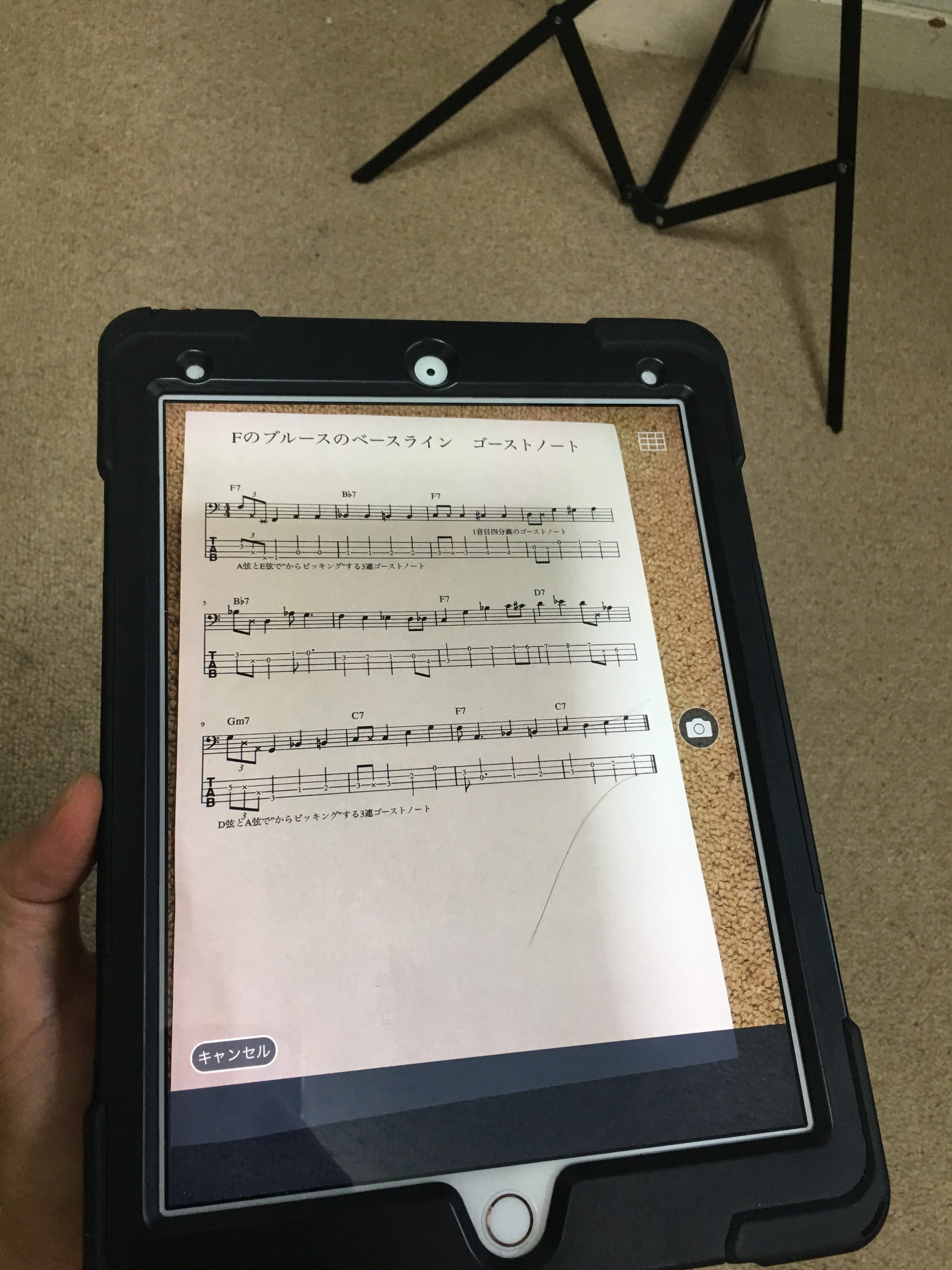
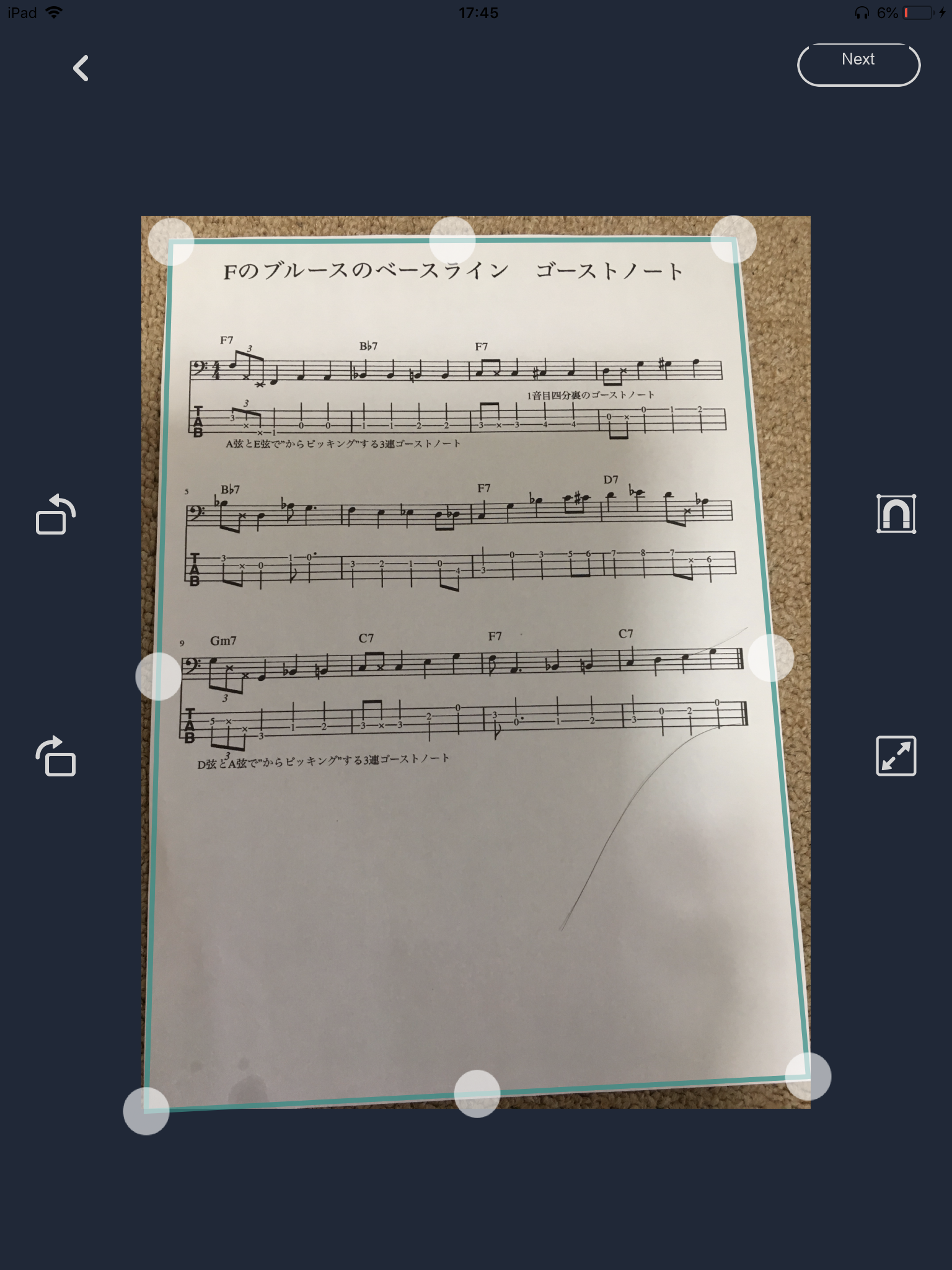
it scans it automatically.
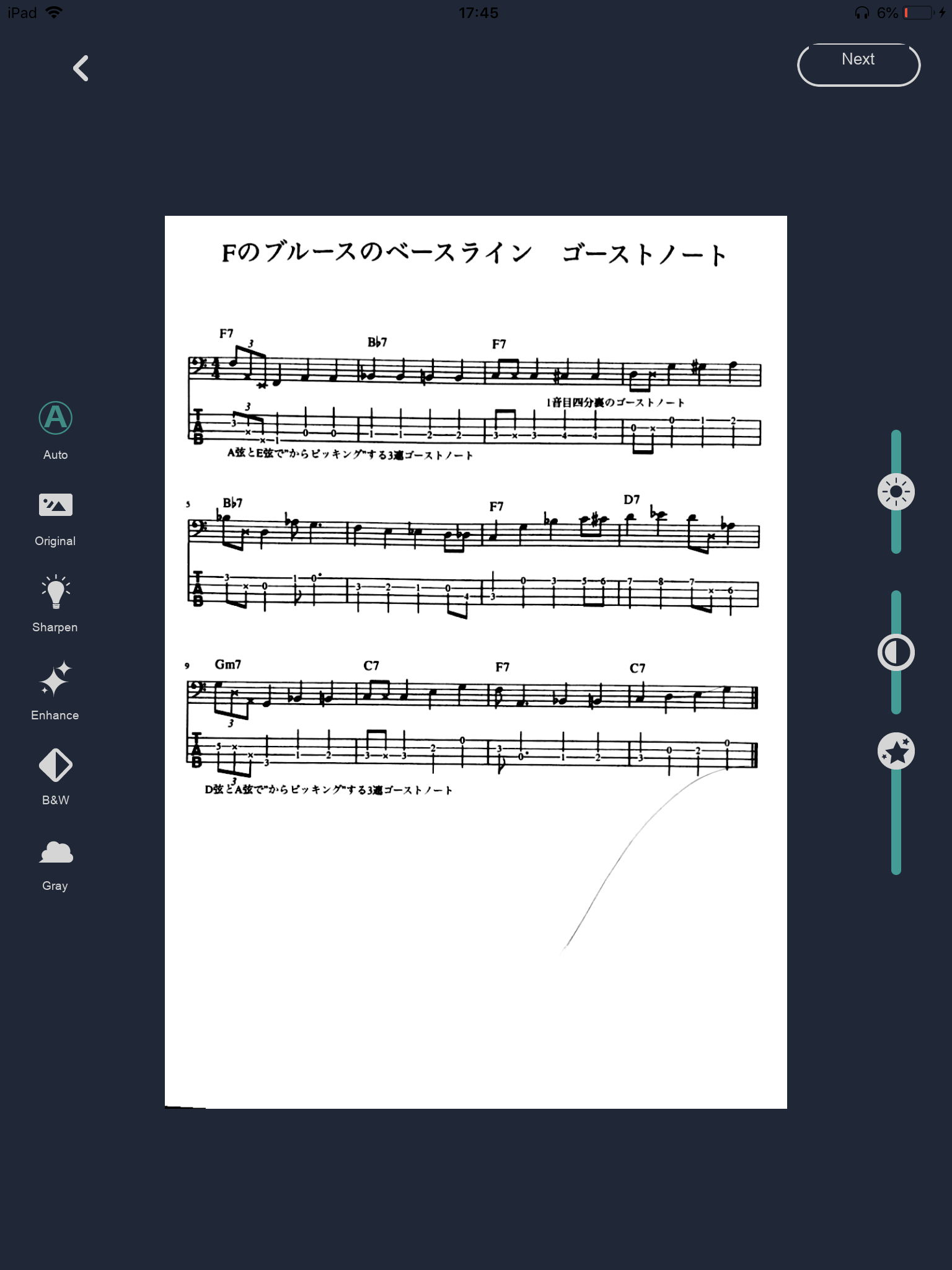
Then just save it under a name.
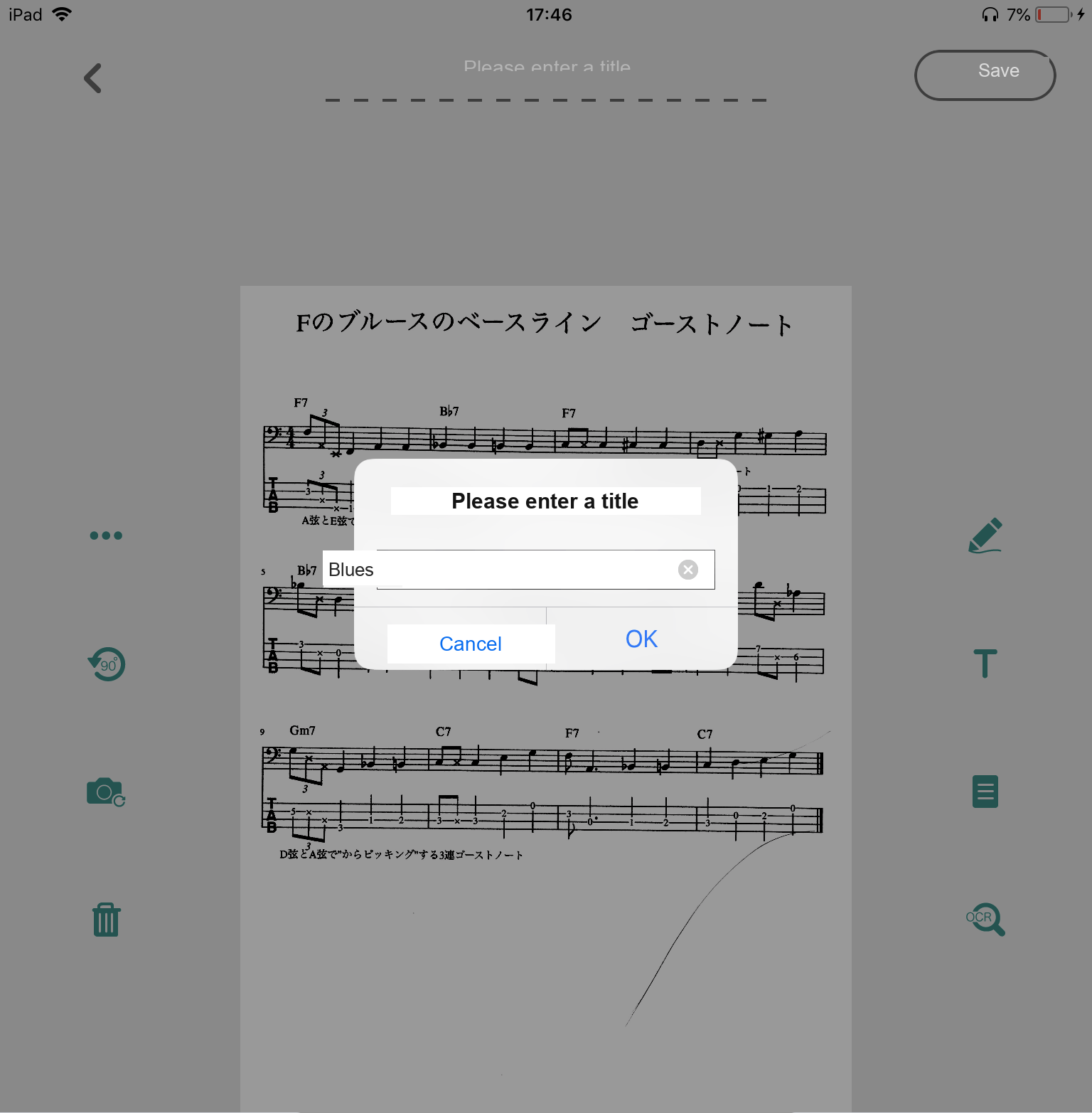
That’s all there is to it.
No Wi-Fi Needed to Manage Your Charts
Cloud services like iCloud or Dropbox make saving easy, but they require Wi-Fi. That can be inconvenient at times if you’re on a SIM-only device.
CamScanner, on the other hand, is handy because you can open your files even without an internet connection.
If you stay in the same group for a long time, your sheet music really piles up,
so it’s worth making good use of a convenient app like this.
I hope this helps with your daily practice.
Want Personalized Feedback on Your Playing?
This is exactly the kind of thing that’s hard to fix alone — and where having a teacher makes all the difference.
At Line on Bass, I offer an online lesson service where you send me a video of your playing, and I give you specific, detailed feedback — every single day if you want.
Students from around the world are using this to fix exactly these kinds of issues and steadily improve their jazz bass skills.